



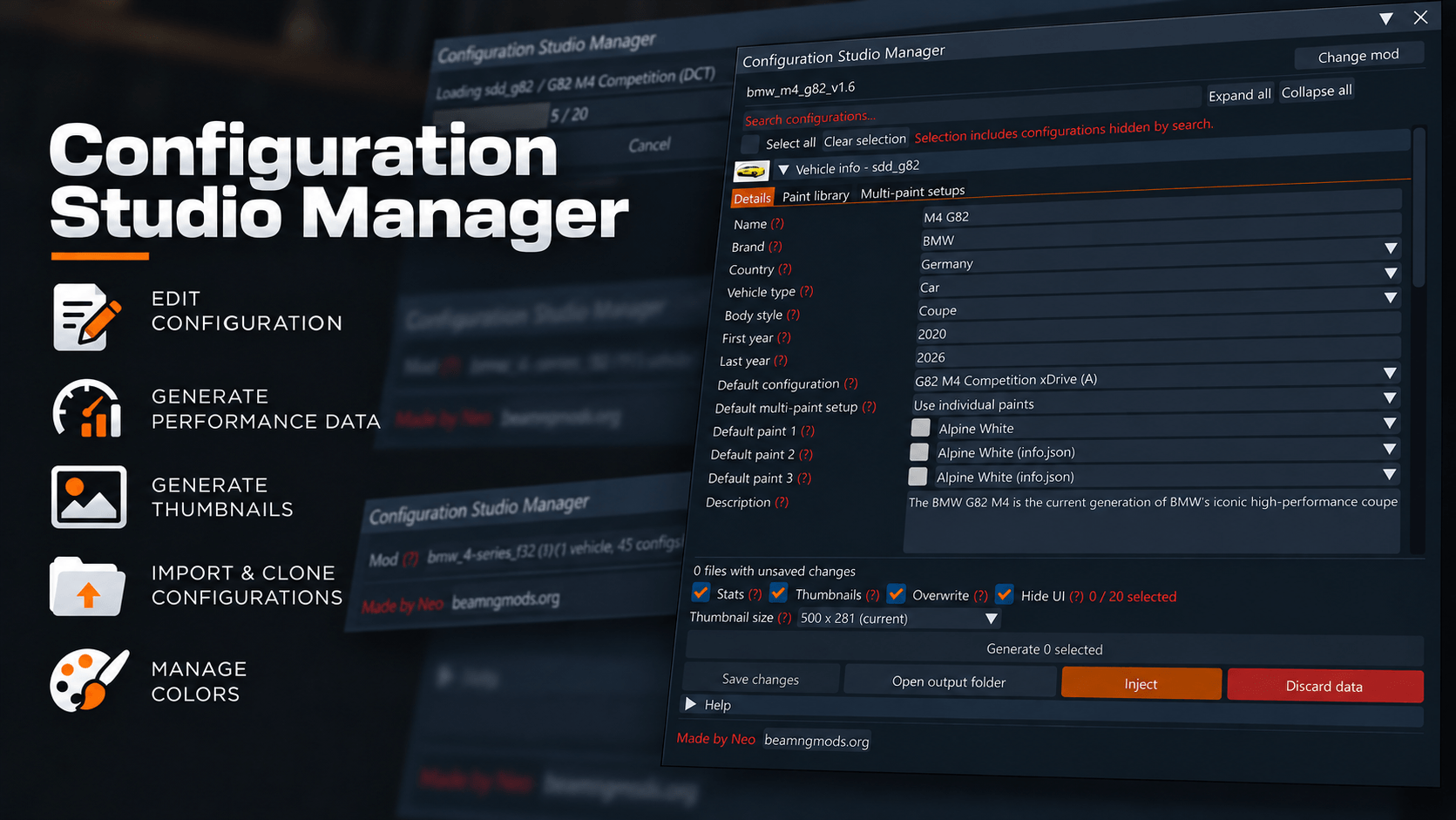

Configuration Studio Manager lets you manage vehicle and configuration info from BeamNG’s main menu. It supports packed ZIP mods, unpacked mods and saved user configurations.
Select a mod to load its existing data, then edit individual configurations or select several to generate thumbnails and performance data.
Features
Edit vehicle and configuration details, including names, descriptions, country, body style, production years, value and traffic population.
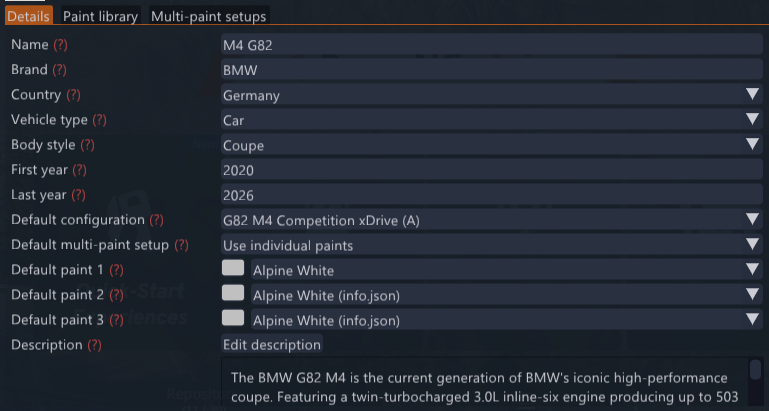
Set the default configuration and all three default paint slots.
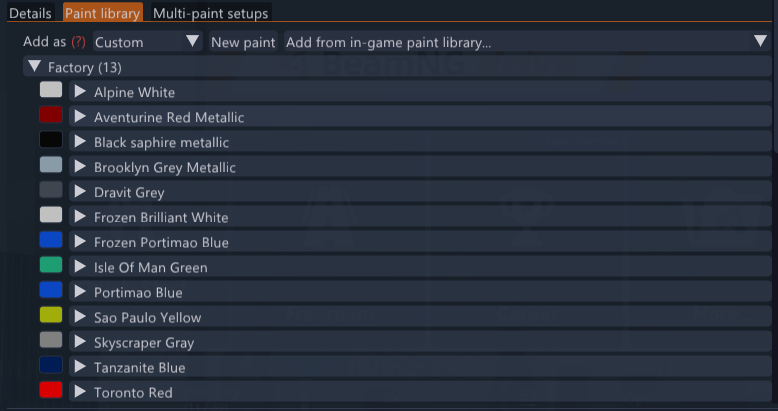
Manage factory and custom paints, import paints from the game’s library, and create multi-paint setups.
See inherited vehicle values as placeholders when a configuration has no override.
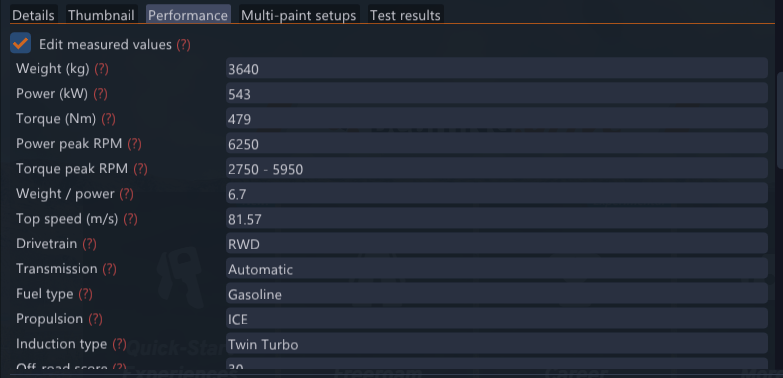
Generate thumbnails, performance data or both for selected configurations. Choose a thumbnail size and whether to overwrite existing output.
Preview existing thumbnails and replace them with PNG or JPEG images from your computer.
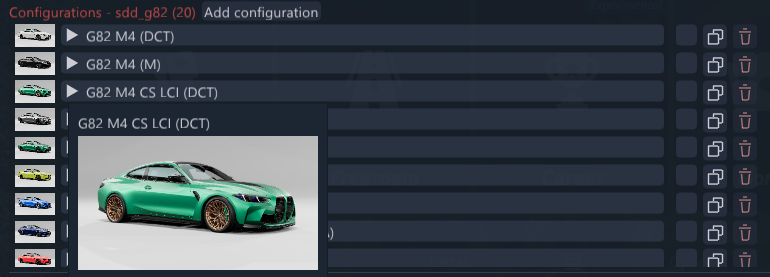
Clone configurations with a unique Config ID, or rename an existing ID. Inject updates the PC filename and its related metadata and thumbnail files.
Add configurations from matching saved user configs, or import a PC file with optional metadata and a thumbnail.
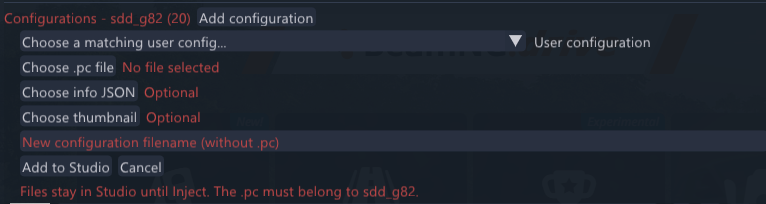
Remove configurations from Studio and apply their deletion when you inject.
Hide game menus and apps during generation, then restore them when the session finishes or is cancelled.
Saving and applying changes
Save changes writes your edits to Studio’s export folder. You can review the output before applying it to the installed files.
Inject installs the edited metadata, imported configurations and thumbnails, applies pending renames and deletions, and creates a backup of the original files. It also refreshes the vehicle selector.
Discard data clears the selected source’s Studio output. Installed mod files, saved user configurations and injection backups are kept.
Warning
Before injecting, make sure you’re happy with your changes. Once injected, the changes cannot be reversed, so we recommend making a backup before you start editing.
Installation and use
Place
configuration-studio-manager.zipin your BeamNG user folder’s `mods` directory.Enable the mod and restart the game.
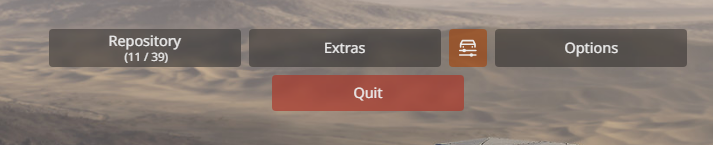
Click the square Configuration Studio button immediately before Options on the main menu.
Select a mod or User configurations, edit the data, and choose which configurations to process.
Use Inject when you want to apply the changes.
Note
All changes are applied in-game on inject. No need to unpack the mod.


Комментарии